2 Trains, 2 Tracks: Los Santos Local 1.1

![RC Bandito Races [Menyoo | ARS | YMAP]](https://img.gta5-mods.com/q75-w500-h333-cfill/images/rc-bandito-races-menyoo-ars-ymap/a19c94-2.jpg "RC Bandito Races [Menyoo | ARS | YMAP]")

![DBZ Cell Games Arena [Add-on]](https://img.gta5-mods.com/q75-w500-h333-cfill/images/dbz-cell-games-arean-add-on/3802bf-cel.png "DBZ Cell Games Arena [Add-on]")
![Crashed BlackHawk [YMAP / FiveM]](https://img.gta5-mods.com/q75-w500-h333-cfill/images/crashed-blackhawk-ymap-fivem/004fa8-ld_crashed_bw1.jpg "Crashed BlackHawk [YMAP / FiveM]")
![D-Day [YMAP / FiveM]](https://img.gta5-mods.com/q75-w500-h333-cfill/images/d-day-ymap-fivem/0b0bd5-ld_dday_8.jpg "D-Day [YMAP / FiveM]")

9 981
118
9 981
118
2 Trains, 2 Tracks: Los Santos Local
Version 1.1 Changelog:
Updated trains.xml for Walter's Overhauled Trains v.3
Updated traintracks.xml to improve braking distances
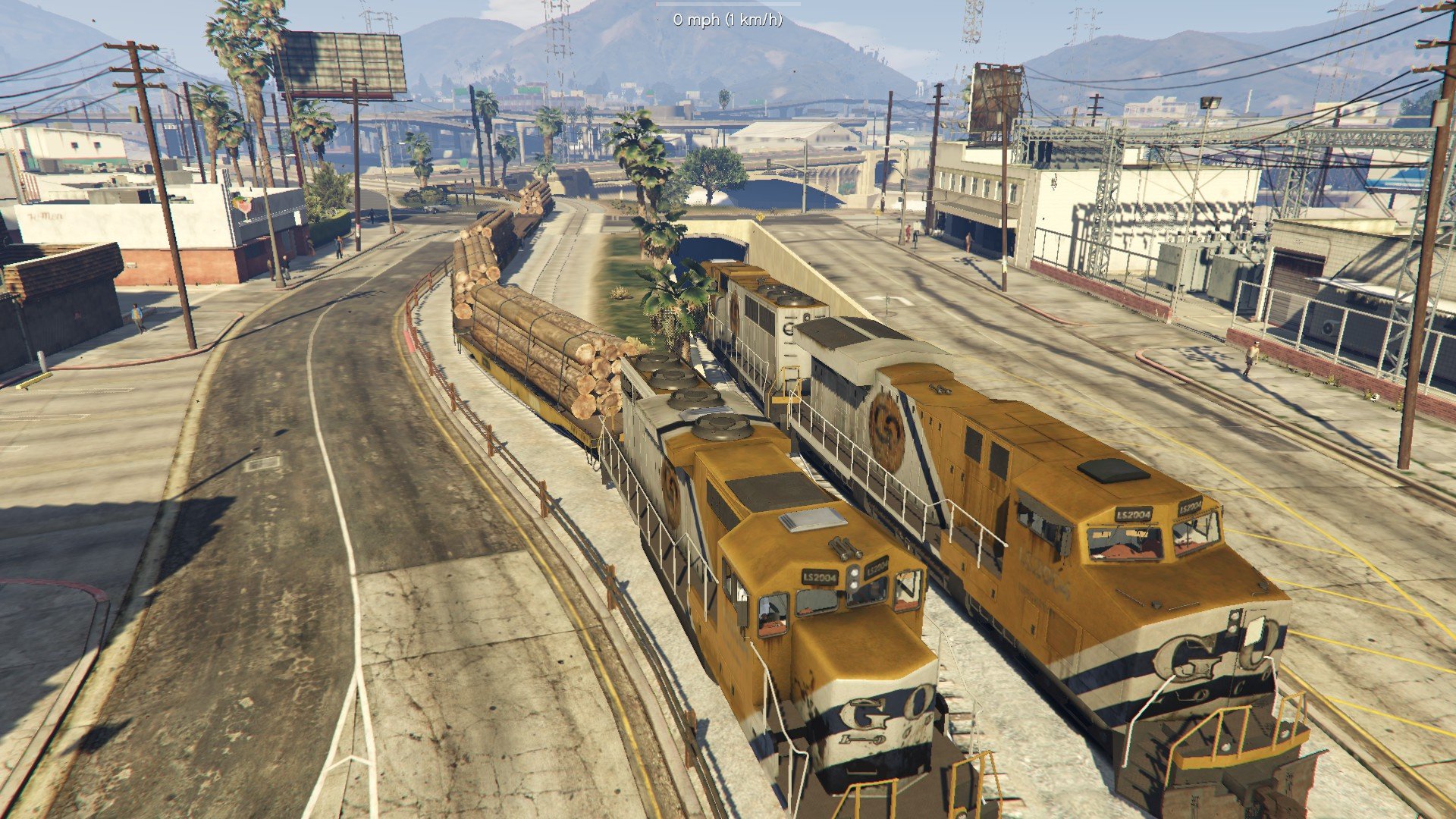
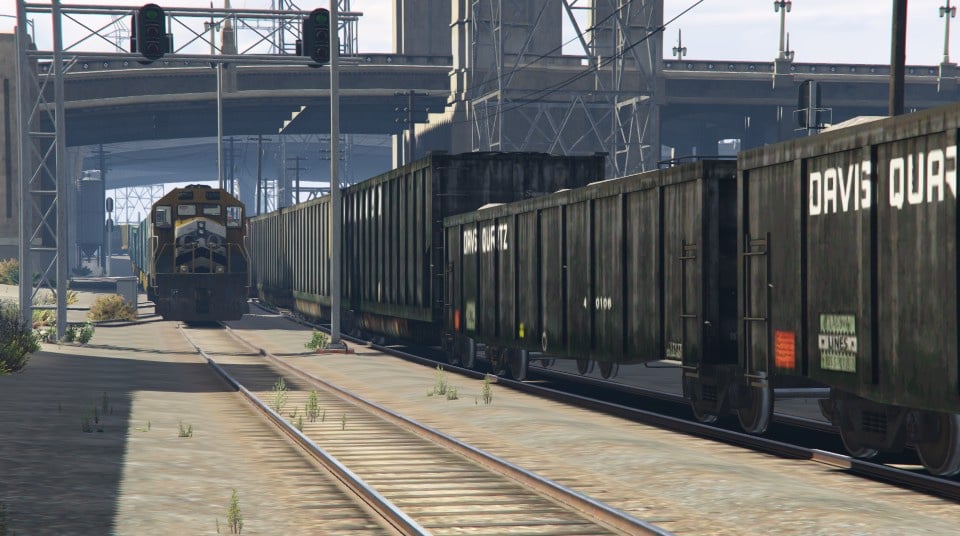
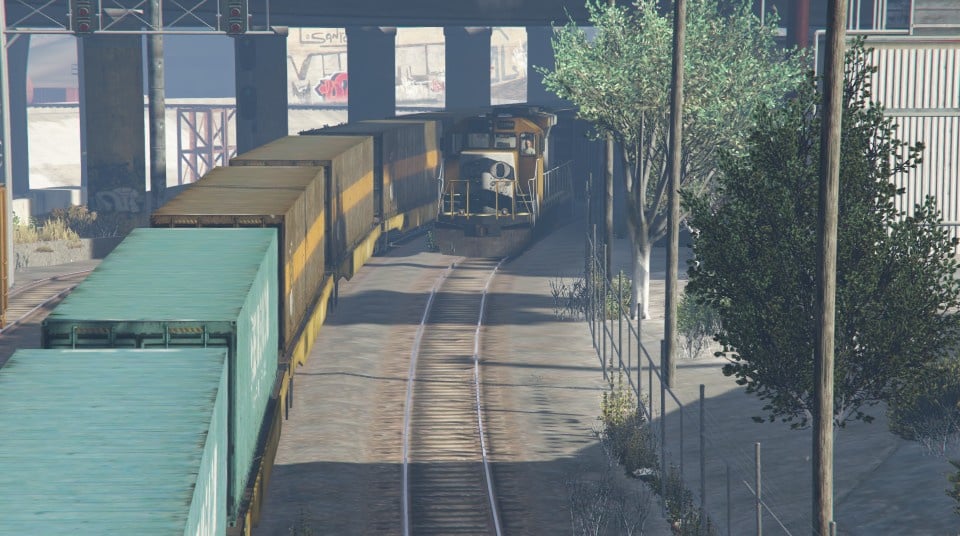
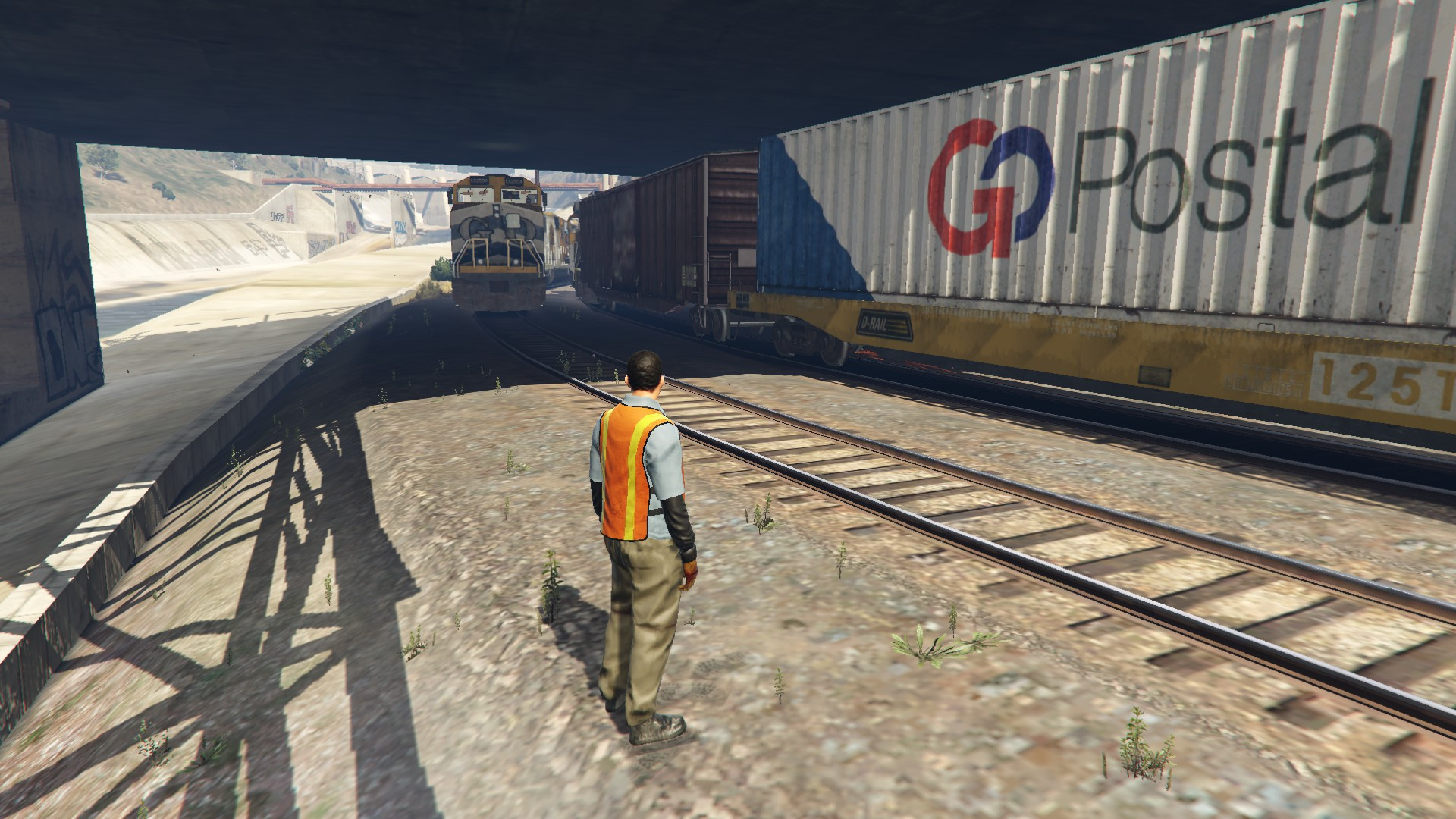
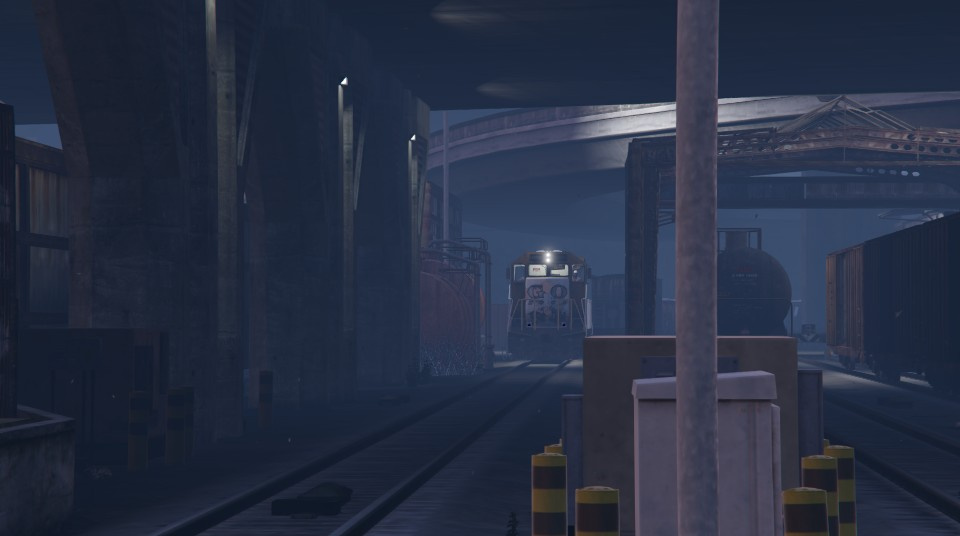
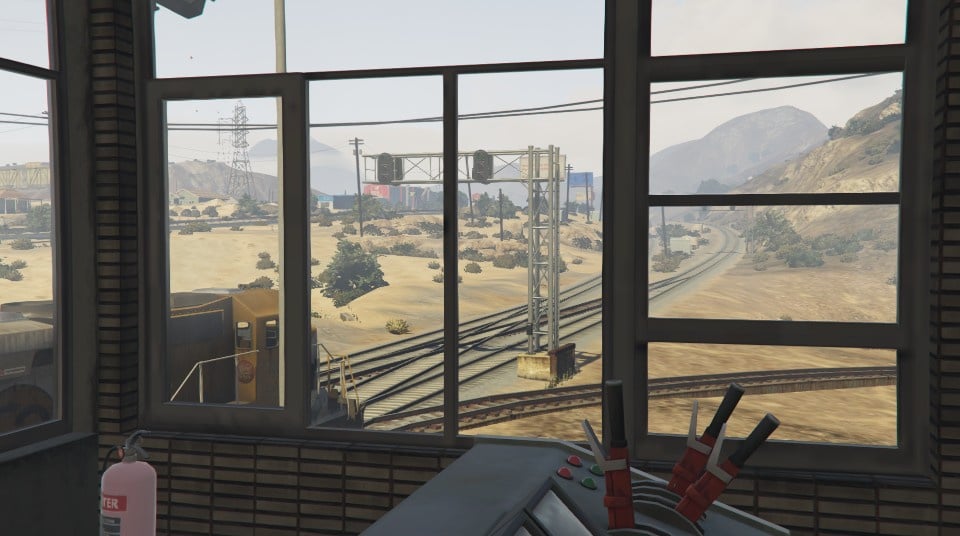
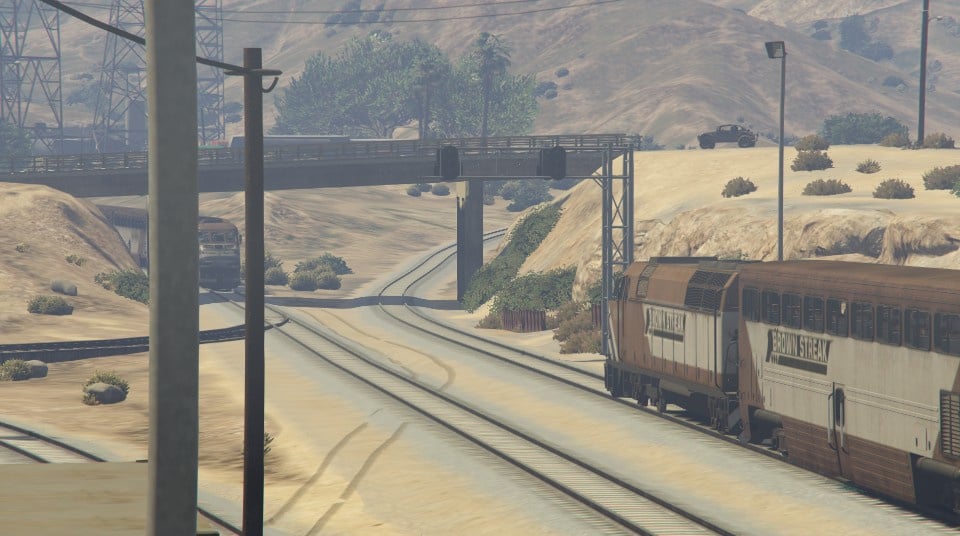
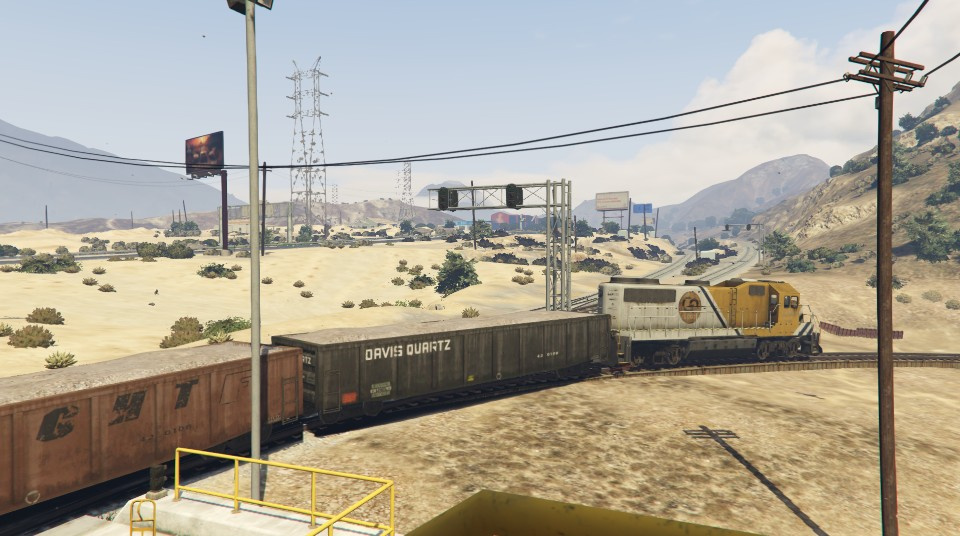
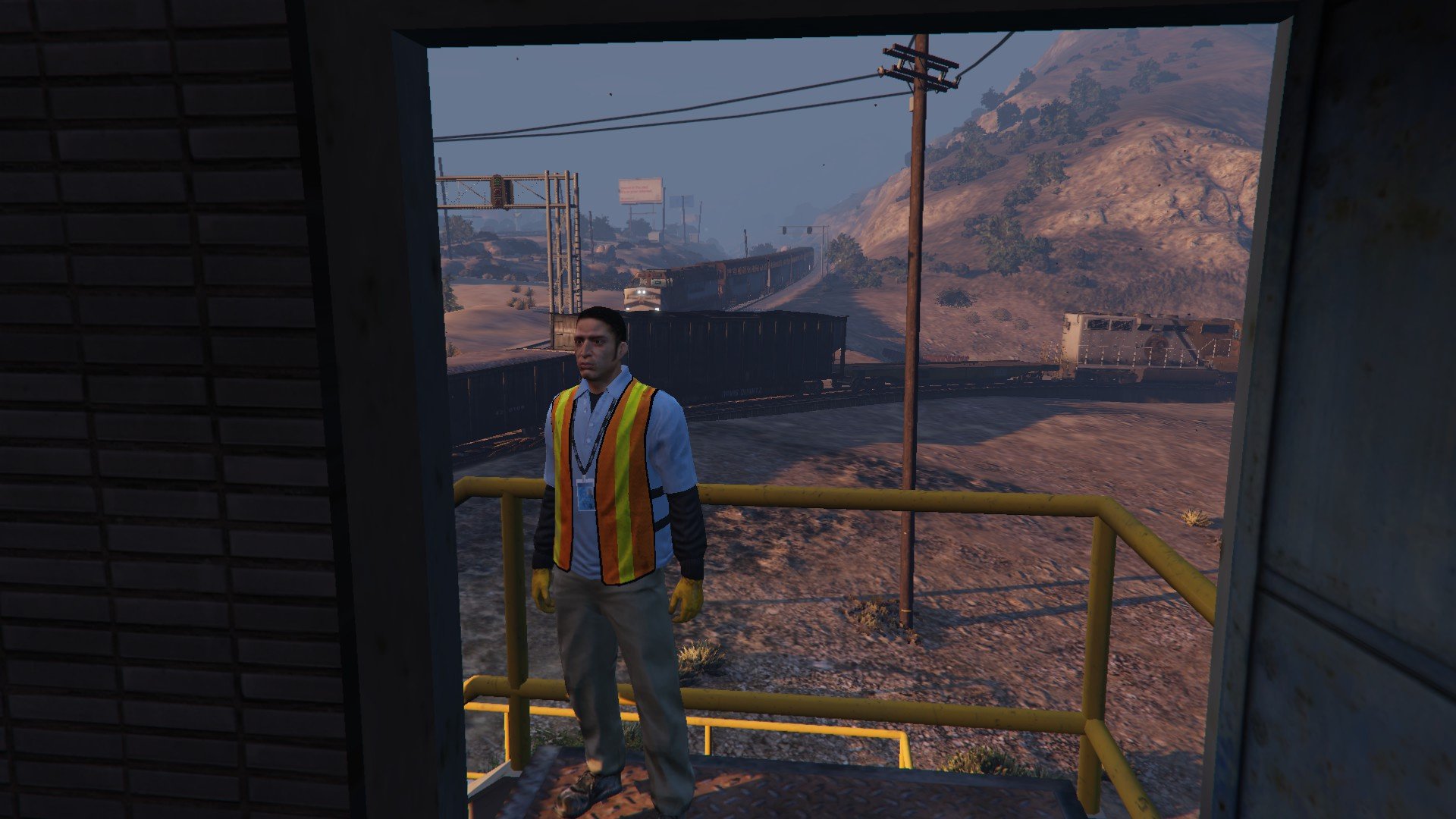
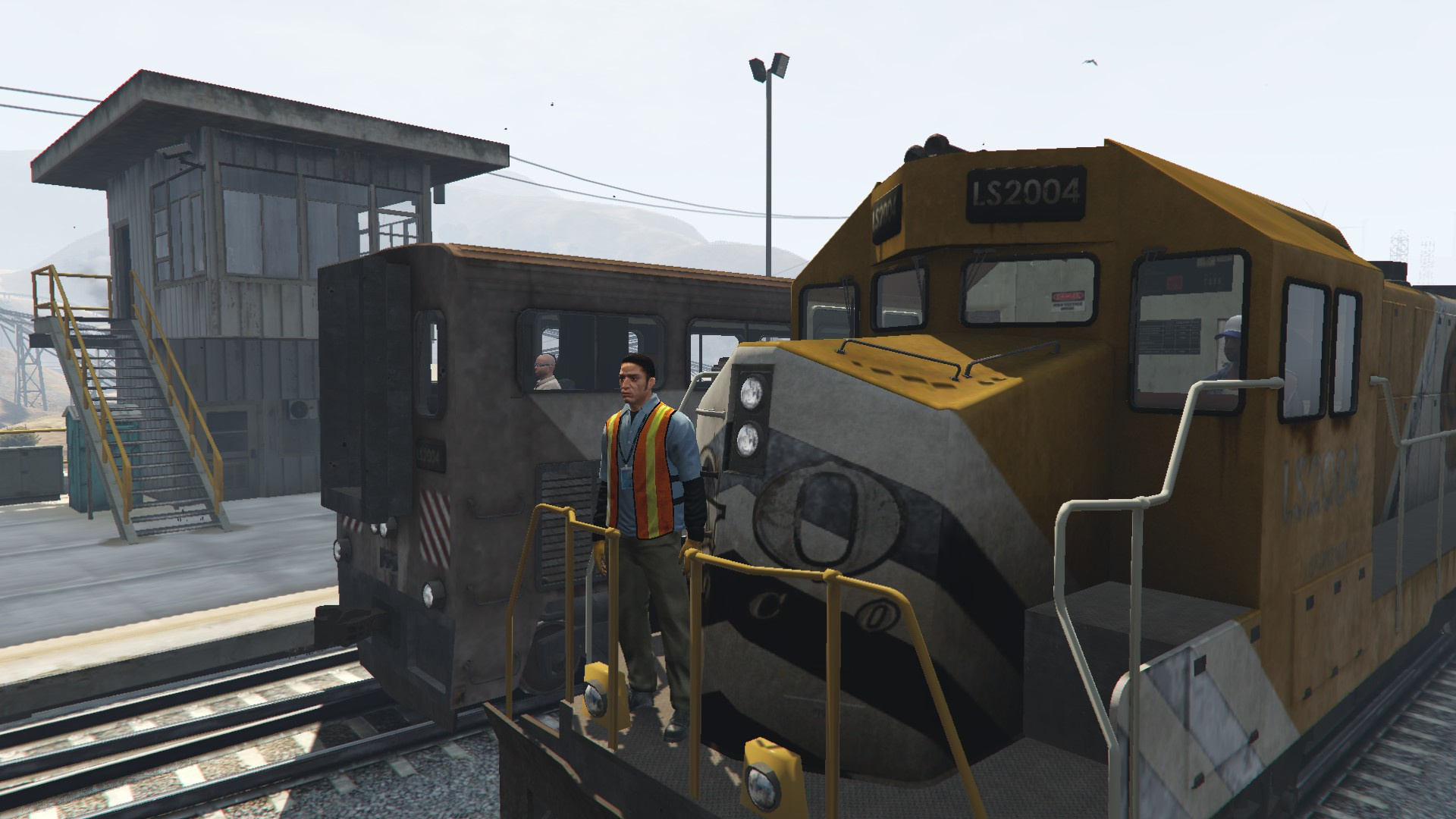
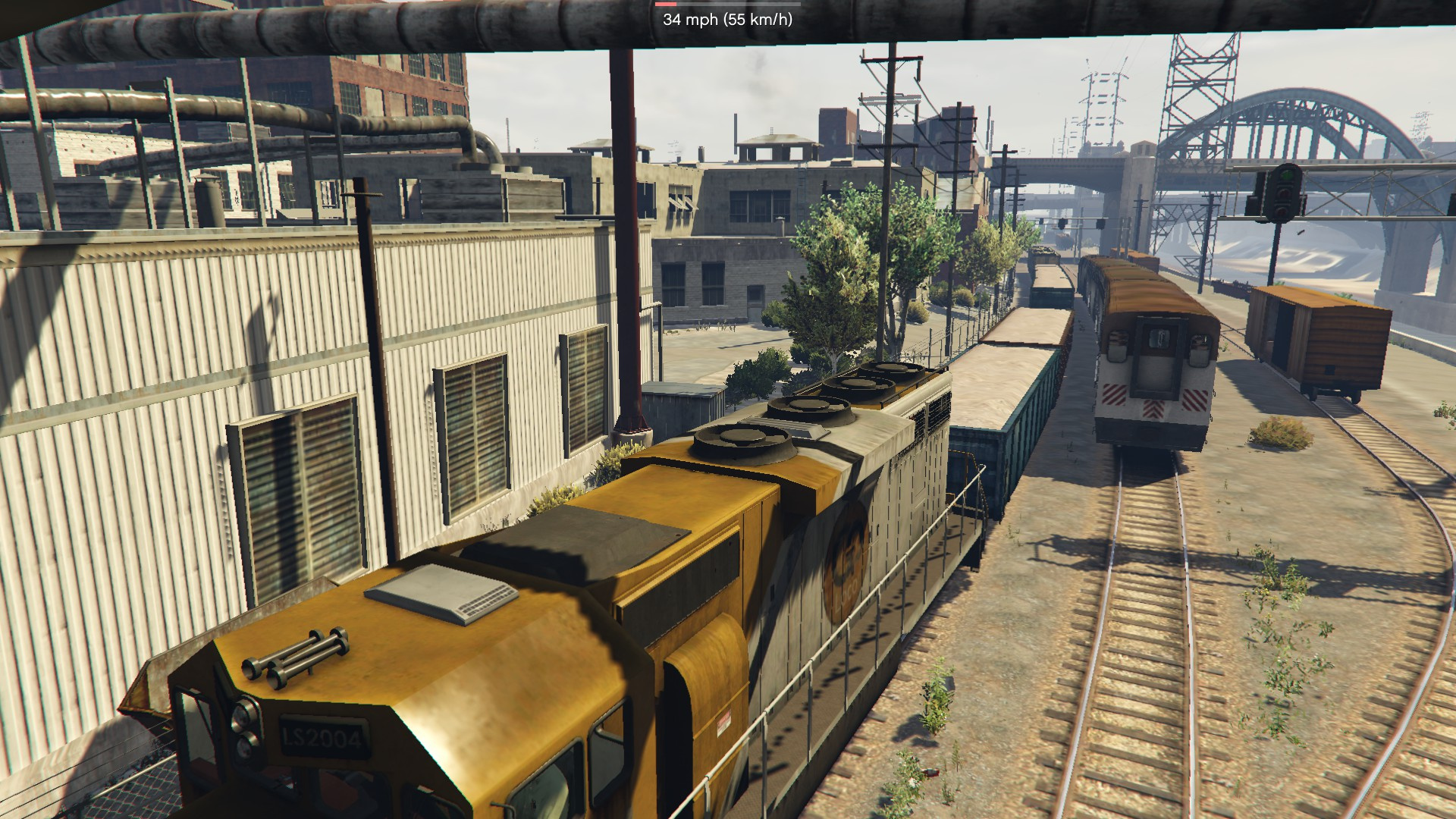
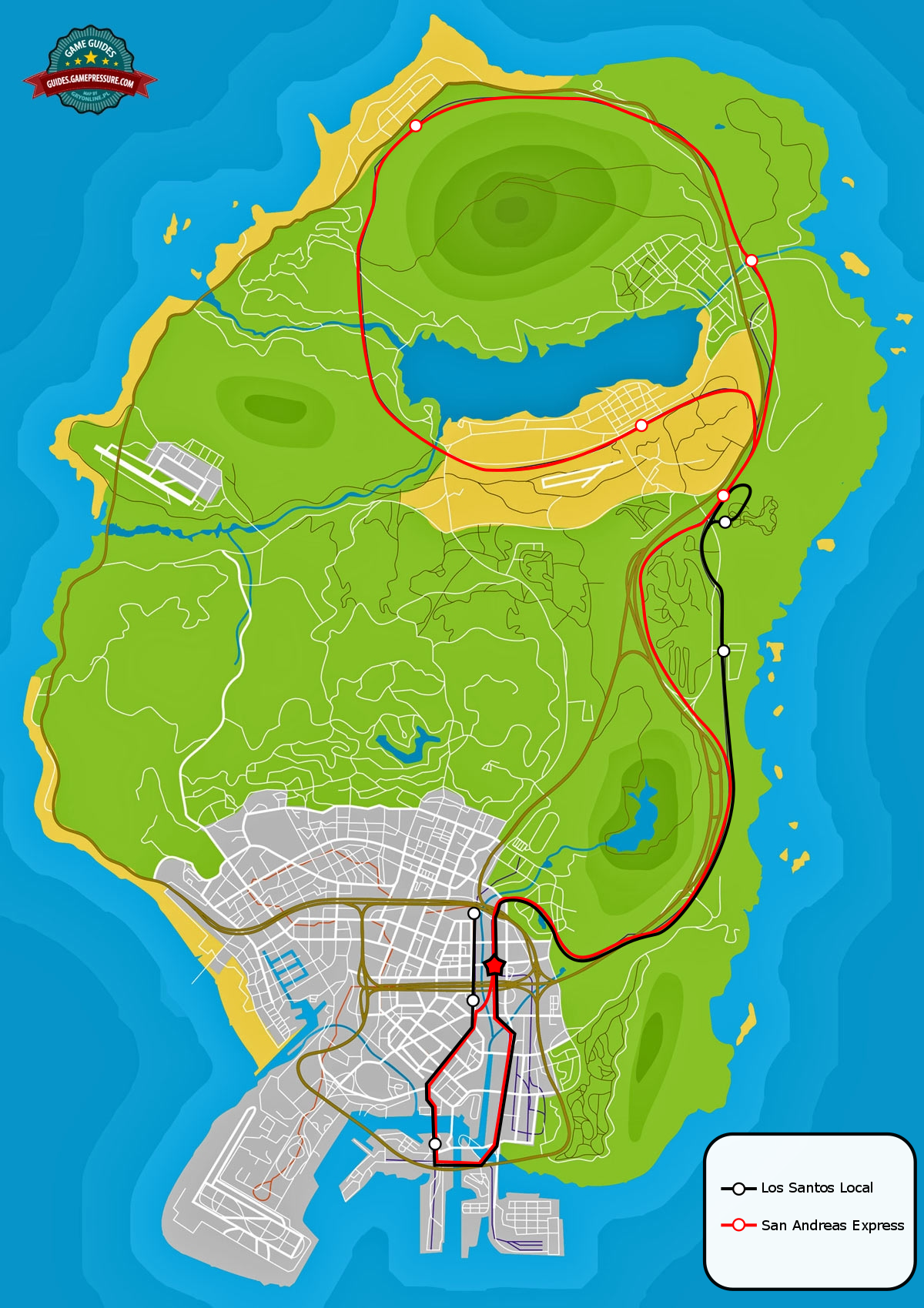
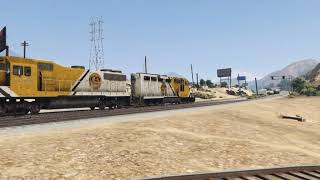
This mod enables trains on both tracks, meaning two trains can be seen running at the same time. Slow, shorter trains operate on a reactivated line to Mirror Park and along a new line to Davis Quartz. Longer, faster, and more varied trains operate on the default route. Faster trains will safely overtake a slower train if needed, with no collisions between the two. There are locations where the faster express and slower local stop. (See Map for details.) For now, these stations have few if any amenities. This will be fixed in the future.
REQUIREMENTS:
Map Editor (To load and delete objects)
Menyoo (To make tracks visible)
OpenIV (To install the mod)
SUGGESTED MODS:
Walter's Overhauled Trains - More varied trains, including passenger and commuter trains.
J10's Railroad Engineer Script - A script which lets you drive the trains.
NOT COMPATIBLE WITH:
Any mod involving the tram or its route; the tram will disappear.
Stations of San Andreas; This modifies the track files and is thus incompatible.
INSTALLATION INSTRUCTIONS:
Place LSLocal.xml in scripts/AutoloadMaps
If the folder does not exist, create it.
If you are using Walter's Overhauled Trains mod, select Overhauled. If not, select Vanilla to find trains.xml
Run OpenIV, navigate to Mods/Common.rpf/data/levels/gta5
Replace trains.xml, traintracks.xml, Train1.dat and Train4.dat
Run GTA5.
Report bugs, thoughts and feedback to the forum!
https://forums.gta5-mods.com/topic/18408/map-released-two-trains-two-tracks-los-santos-local
Version 1.1 Changelog:
Updated trains.xml for Walter's Overhauled Trains v.3
Updated traintracks.xml to improve braking distances
This mod enables trains on both tracks, meaning two trains can be seen running at the same time. Slow, shorter trains operate on a reactivated line to Mirror Park and along a new line to Davis Quartz. Longer, faster, and more varied trains operate on the default route. Faster trains will safely overtake a slower train if needed, with no collisions between the two. There are locations where the faster express and slower local stop. (See Map for details.) For now, these stations have few if any amenities. This will be fixed in the future.
REQUIREMENTS:
Map Editor (To load and delete objects)
Menyoo (To make tracks visible)
OpenIV (To install the mod)
SUGGESTED MODS:
Walter's Overhauled Trains - More varied trains, including passenger and commuter trains.
J10's Railroad Engineer Script - A script which lets you drive the trains.
NOT COMPATIBLE WITH:
Any mod involving the tram or its route; the tram will disappear.
Stations of San Andreas; This modifies the track files and is thus incompatible.
INSTALLATION INSTRUCTIONS:
Place LSLocal.xml in scripts/AutoloadMaps
If the folder does not exist, create it.
If you are using Walter's Overhauled Trains mod, select Overhauled. If not, select Vanilla to find trains.xml
Run OpenIV, navigate to Mods/Common.rpf/data/levels/gta5
Replace trains.xml, traintracks.xml, Train1.dat and Train4.dat
Run GTA5.
Report bugs, thoughts and feedback to the forum!
https://forums.gta5-mods.com/topic/18408/map-released-two-trains-two-tracks-los-santos-local
Først Lastet opp: 16. april 2018
Sist Oppdatert: 27. april 2018
Last Downloaded: 1 dag siden
72 Kommentarer
2 Trains, 2 Tracks: Los Santos Local
Version 1.1 Changelog:
Updated trains.xml for Walter's Overhauled Trains v.3
Updated traintracks.xml to improve braking distances
This mod enables trains on both tracks, meaning two trains can be seen running at the same time. Slow, shorter trains operate on a reactivated line to Mirror Park and along a new line to Davis Quartz. Longer, faster, and more varied trains operate on the default route. Faster trains will safely overtake a slower train if needed, with no collisions between the two. There are locations where the faster express and slower local stop. (See Map for details.) For now, these stations have few if any amenities. This will be fixed in the future.
REQUIREMENTS:
Map Editor (To load and delete objects)
Menyoo (To make tracks visible)
OpenIV (To install the mod)
SUGGESTED MODS:
Walter's Overhauled Trains - More varied trains, including passenger and commuter trains.
J10's Railroad Engineer Script - A script which lets you drive the trains.
NOT COMPATIBLE WITH:
Any mod involving the tram or its route; the tram will disappear.
Stations of San Andreas; This modifies the track files and is thus incompatible.
INSTALLATION INSTRUCTIONS:
Place LSLocal.xml in scripts/AutoloadMaps
If the folder does not exist, create it.
If you are using Walter's Overhauled Trains mod, select Overhauled. If not, select Vanilla to find trains.xml
Run OpenIV, navigate to Mods/Common.rpf/data/levels/gta5
Replace trains.xml, traintracks.xml, Train1.dat and Train4.dat
Run GTA5.
Report bugs, thoughts and feedback to the forum!
https://forums.gta5-mods.com/topic/18408/map-released-two-trains-two-tracks-los-santos-local
Version 1.1 Changelog:
Updated trains.xml for Walter's Overhauled Trains v.3
Updated traintracks.xml to improve braking distances
This mod enables trains on both tracks, meaning two trains can be seen running at the same time. Slow, shorter trains operate on a reactivated line to Mirror Park and along a new line to Davis Quartz. Longer, faster, and more varied trains operate on the default route. Faster trains will safely overtake a slower train if needed, with no collisions between the two. There are locations where the faster express and slower local stop. (See Map for details.) For now, these stations have few if any amenities. This will be fixed in the future.
REQUIREMENTS:
Map Editor (To load and delete objects)
Menyoo (To make tracks visible)
OpenIV (To install the mod)
SUGGESTED MODS:
Walter's Overhauled Trains - More varied trains, including passenger and commuter trains.
J10's Railroad Engineer Script - A script which lets you drive the trains.
NOT COMPATIBLE WITH:
Any mod involving the tram or its route; the tram will disappear.
Stations of San Andreas; This modifies the track files and is thus incompatible.
INSTALLATION INSTRUCTIONS:
Place LSLocal.xml in scripts/AutoloadMaps
If the folder does not exist, create it.
If you are using Walter's Overhauled Trains mod, select Overhauled. If not, select Vanilla to find trains.xml
Run OpenIV, navigate to Mods/Common.rpf/data/levels/gta5
Replace trains.xml, traintracks.xml, Train1.dat and Train4.dat
Run GTA5.
Report bugs, thoughts and feedback to the forum!
https://forums.gta5-mods.com/topic/18408/map-released-two-trains-two-tracks-los-santos-local
Først Lastet opp: 16. april 2018
Sist Oppdatert: 27. april 2018
Last Downloaded: 1 dag siden
 5mods on Discord

i installed it right, and the tracks show, but there's still only the normal train using its normal route. there is no second train, i rode it all around the map, and it was the only train.
Hey @Transitman the tram is only on the main track not the alternative track
I have a solution to the Train and the tram problem. So remember how the train and the tram goes to the same track? Well I managed to find a solution Thanks to Kitsune. Here is the Solution. You have to change the location of the traintracks.xml, trains4.dat and trains1.dat try placing it in MODS/UPDATE/UPDATE.RPF./COMMON/DATA/LEVELS/GTA5
If it doesn't work try use the backup of train1.dat and place it to the same GTA Path that I just said. if neither of those didn't work then try contacting kitsune
great mod makes railroads feel more lively than in the vanilla game, my only issue is menyoo and map editor doesn't load in the custom tracks so when the train is looping around it looks like its just driving in the air mostly noticable in davis quartz since its in an open area
Can anyone help me in combining it with Kitsune's mod?
Hello, I need help to figure out how I can edit how often trains spawn. I want to reduce that
I have an issue where the second train is ALWAYS a metro train and NEVER a freight train. is there any way both the trains spawning be freight trains? otherwise this mod works very well.
@Vraad you need to modify the "traintrack.xml" file and in the line where there is "trains4.dat" you put "freight" instead of "metro"
basically the "traintrack" file allows you to choose whether a metro or a freight spawn on the trainsXYZ track
@DALTA Ah I see now, sorry for being so ignorant and thanks for helping me out!
no problem few people know about it.
If interested I recreated the trains4 tracks and now the train goes to the terminal on the EAST and WEST sides and to the EAST industrial zone. there is some bug with several node bug : https://drive.google.com/file/d/131jEUSMcwsKNJke7JS0SNJo2UpROOIkG/view?usp=sharing
@DALTA or anyone even do yall know how to make the tracks visible at davis quartz? They won’t load for me and it really breaks the immersion, would be nice if i could fix it.
download Map editor and create a file "AutoloadMaps" in your script folder, and drop the file"LS local.xml" in AutoloadMaps
@DALTA About your train 4 tracks route profile,Do you have the corresponding route map file(.ymap or .xml)?
@Sparky ggs It's easy, just use this:
https://www.gta5-mods.com/tools/mapeditor-2-ymap-converter
It comes with a custom_maps template folder that you put in your dlcpacks and add to your dlclist. Inside custom_maps/dlc.rpf is a file named custom_maps.rpf. When you open this file in OpenIV, you are able to drag and drop any ".ymap.xml" files and it will convert them to .ymap files that load with the game. I just tested the tracks here and they work perfectly.
If you save this as LSLocal.ymap.xml you can just drag and drop it into custom_maps.rpf in OpenIV and it will work immediately:
https://pastebin.com/TsbkQbNE
I converted the trains.xml and traintracks.xml to be compatible with overhauledtrains, overhauledtrainsextra and also LCPP's subway system. Make sure you also install the relevant trains1.dat and trains4.dat files from 2 Trains 2 Tracks.
https://pastebin.com/HPvka9gm
https://pastebin.com/ReS2PNYj
So now there are DRail and double-decker Brown Streak trains of all varying lengths and other types on both rails in Los Santos, and the subway in LCPP is also working as expected.
(I'm not sure why there are no gondolas on Colony Island in LC. I need to test with a clean mods folder and see if it was always like that.)
@floydturbo I see you made it compatible with 2 trains 2 track, is there a video on how to combine kitsune and 2 trains? ive read this over and over but I still don't understand how. I don't want to break my gta because I tried it before and I had to uninstall and redownload gta all over
@sauberc9 There's no need to install the game again since any changes made should only ever be to the files in the "mods" folder
I was able to add Kitsune Trains on the second track easily, see my comments over there for a detailed explanation:
https://www.gta5-mods.com/vehicles/kitsune-trains#comments_tab
Basically install Kitsune Trains and then also use the trains1.dat and trains4.dat from 2 Trains, 2 Tracks. You can modify "metro_group" at the end of the trains.xml file and have whatever trains you want show up on the second track (the track defined by trains4.dat)
I provided a copy of my trains.xml in the comments there
If you face any issues with installing train mods you should be aware that the files may need to go in either update.rpf or common.rpf depending on how recent your game version is. I just put all the train files in both locations to make it easy (trains.xml, traintracks.xml, trains1.dat etc.)
@Transitman is there a way to make this work with kitsune trains?